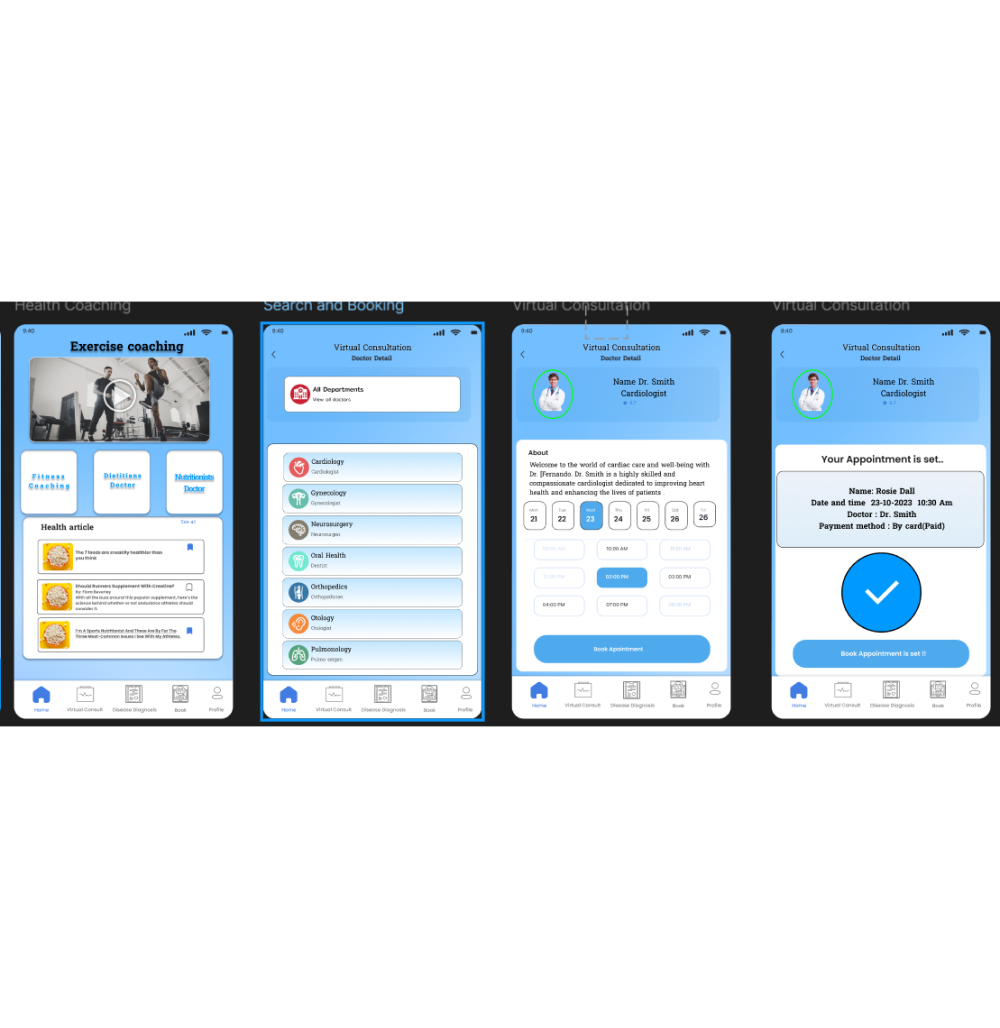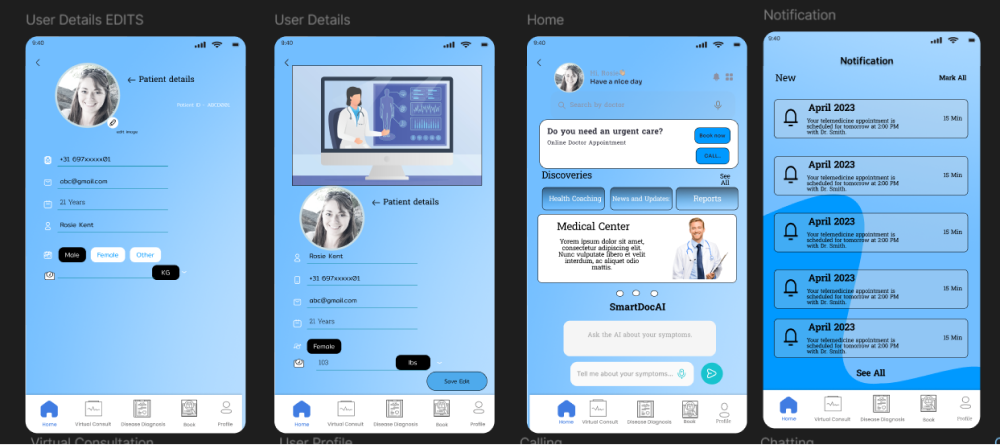
Doctor Demand
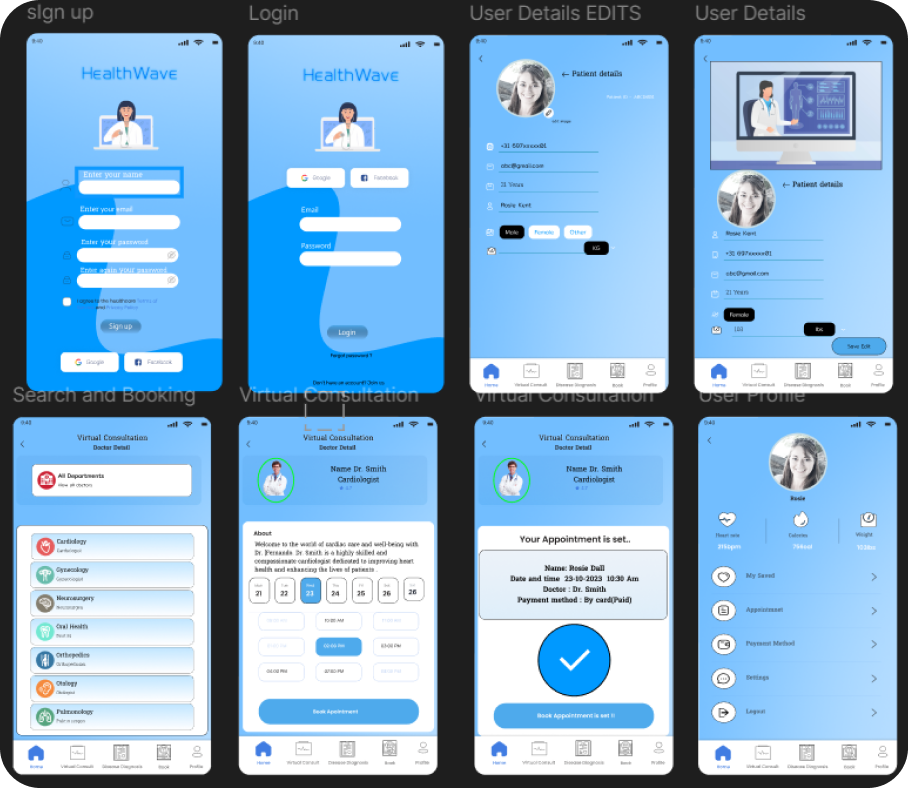
📱 Healthcare App • UX Design
Mobile app connecting underserved communities with healthcare professionals through virtual consultations.
UX/UI Designer & Front-End Developer
I create beautiful, interactive digital experiences that blend creativity with functionality. Specialized in modern web design, 3D modeling, and user-centered interfaces.
Creative developer passionate about bringing ideas to life

I'm Maria Paula, a developer and UX/UI designer from Colombia studying at Fontys ICT in the Netherlands. I love building things people can actually use — websites, mobile apps, interactive experiences. But before I start coding, I dig into research first. I interview users, run card sorting sessions, and test prototypes to understand what actually works. Design decisions should come from real feedback, not guesses.
I work mainly with JavaScript, React, and Flutter, and Figma is where I bring ideas to life before writing code. I enjoy the full process — from user research and wireframes to final development. Some projects I'm proud of: I helped build Shift, a social app where people match based on shared opinions. I conducted user interviews, designed the spiral animation in Figma, and iterated based on testing feedback across 4 sprints.
I'm the kind of person who actually enjoys user testing. There's something satisfying about watching someone use what you made, hearing their honest feedback, and then making it better. Outside of code, I do 3D modeling in Blender and graphic design with Photoshop and Illustrator.
I'm looking for an internship starting February 1, 2026 — somewhere I can learn, contribute, and work on projects that matter.

Explore my latest work in design, development, and 3D modeling
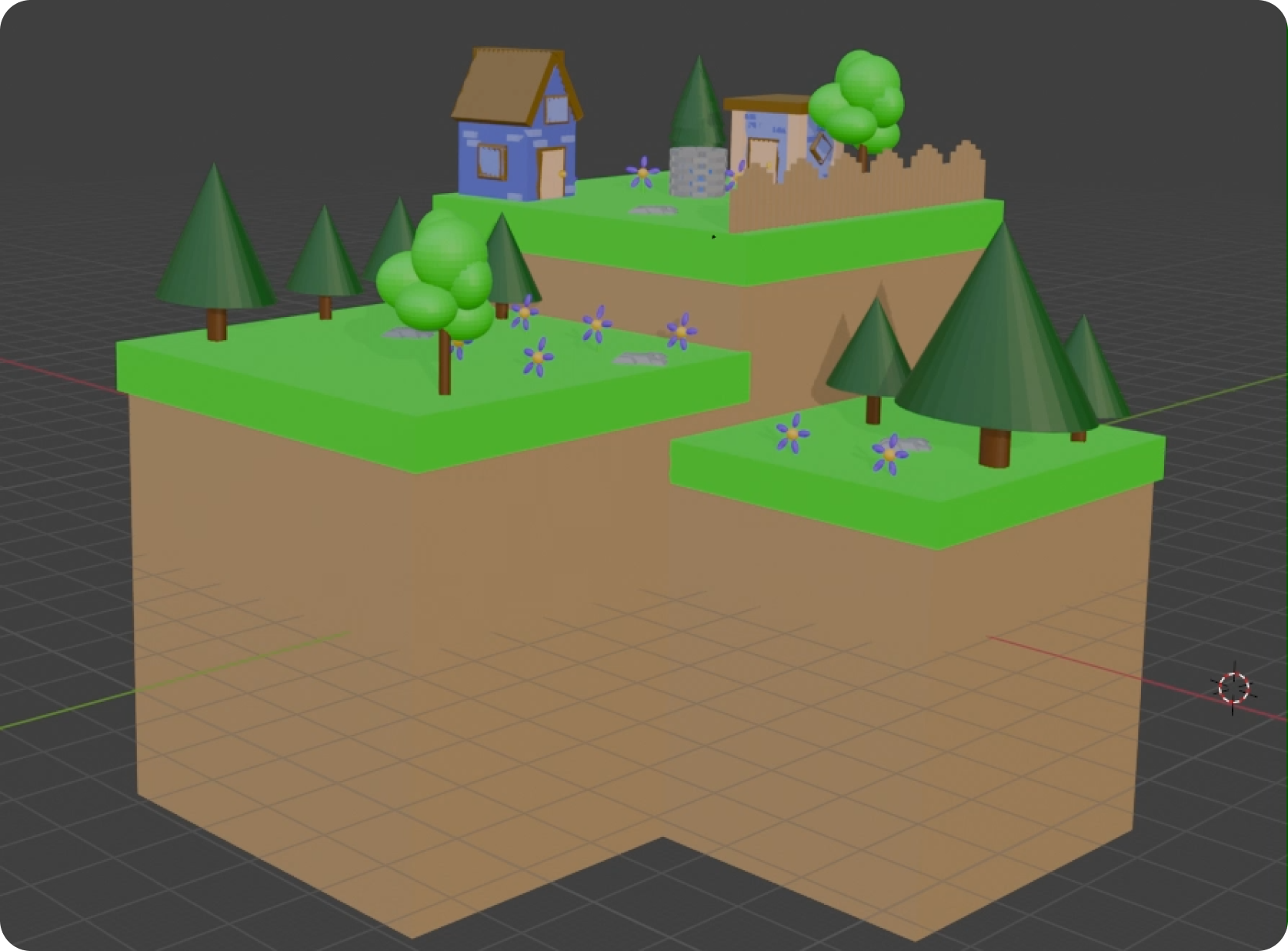
Product Design • Blender
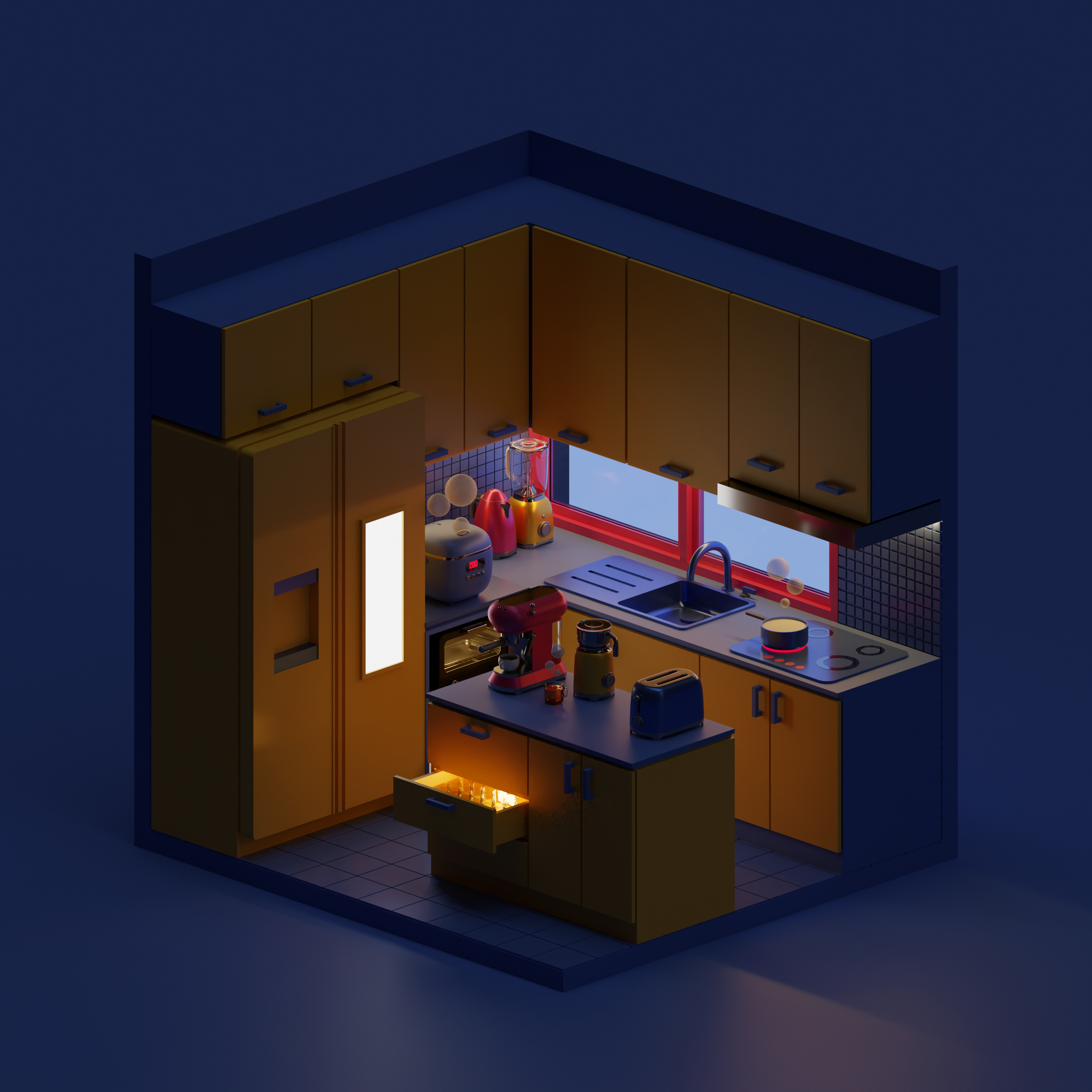
Creating miniature island environments in 3D to enhance modeling, texturing, and lighting skills.
View Project
Product Design • Branding
Professional design work using Photoshop and Illustrator for branding and visual identity.
View Projects
Web Development • Interactive
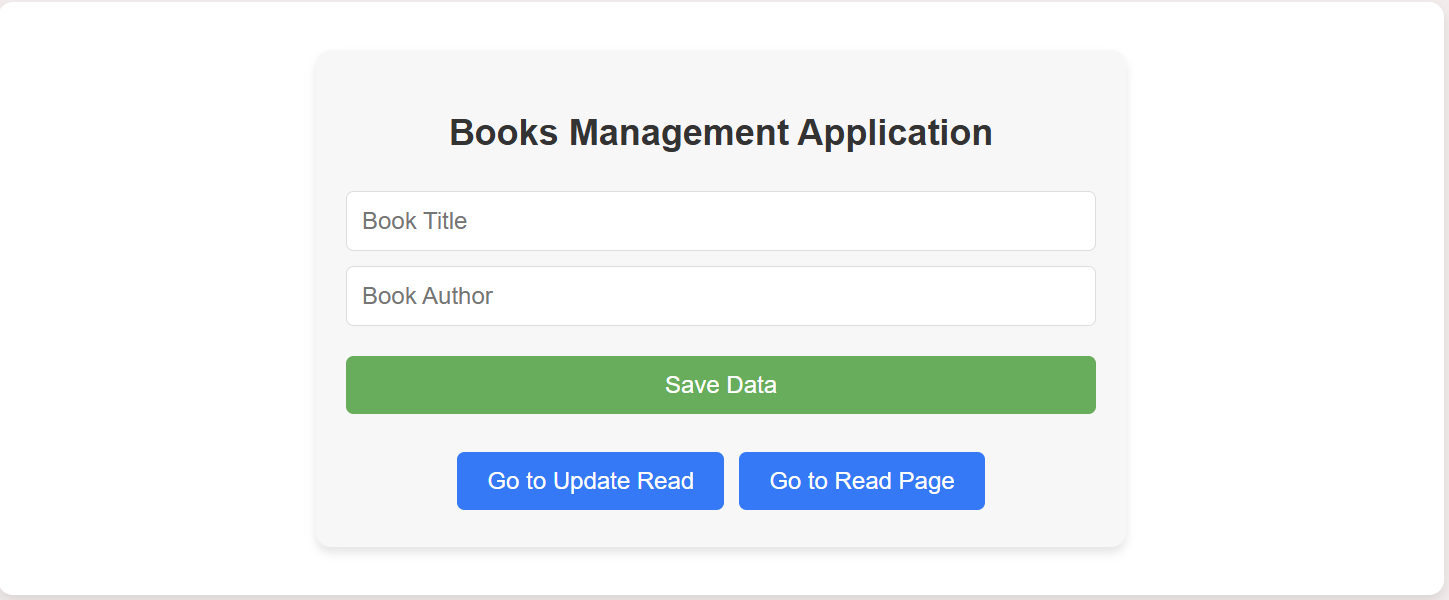
Interactive web experiences built with HTML, CSS, and JavaScript, including creative designs.
View Projects
Mobile & Web Apps • UX Design
Mobile app projects including HealthWave healthcare solution and Shift social matching app built with Flutter and Firebase.
View Projects
I specialize in front-end development, leveraging technologies like JavaScript, HTML, and CSS to build dynamic and engaging web applications. With experience in Flutter for mobile development, Arduino for IoT projects, and tools like VSCode, Figma, Photoshop, and Git, I create interactive and responsive designs. My work includes Progressive Web Apps, Node.js backend development, and UI/UX design tailored to user needs.







Team projects and group work - collaborating with others to build amazing products
UX Research • App Design • Web Development
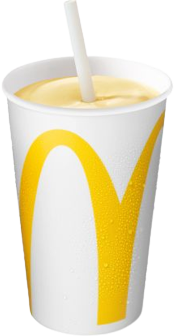
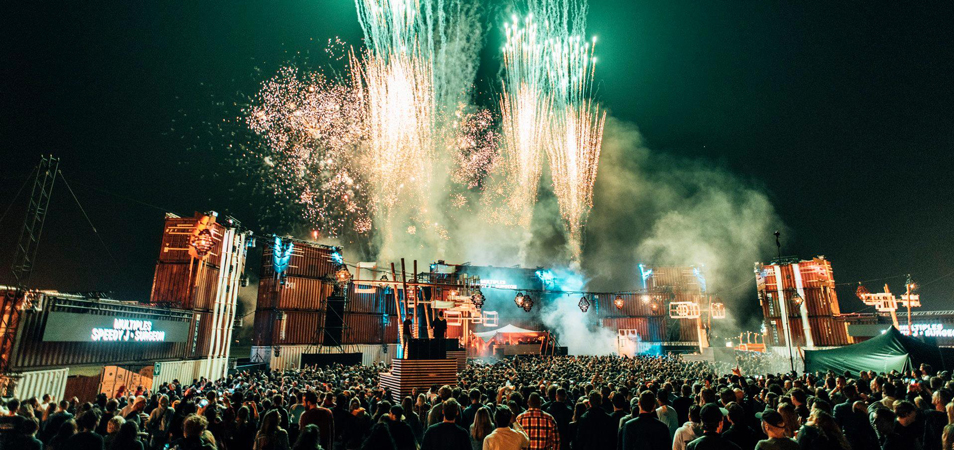
Explore detailed case studies and collaborative projects including Pixel Paranoia game design, McDonald's Falling Shakes game, Festival Discounts platform, Con-Quest PWA, and more team-based projects showcasing design process, problem-solving, and collaboration.
View All Projects
I'm currently available for internship opportunities and freelance projects. Let's create something amazing together!
A collection of my graphic design work including poster designs, digital illustrations, and UI/UX projects created with professional tools.
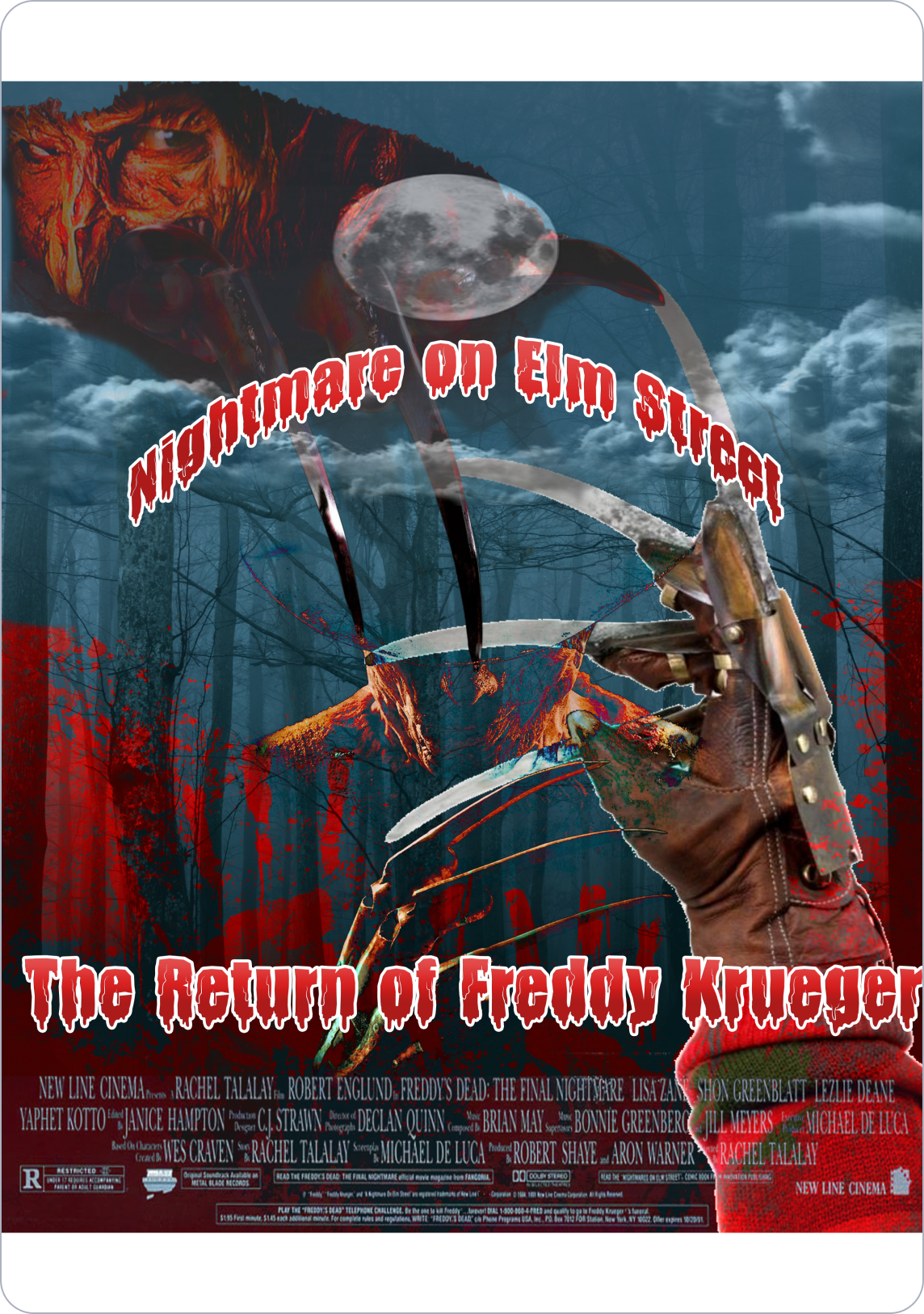
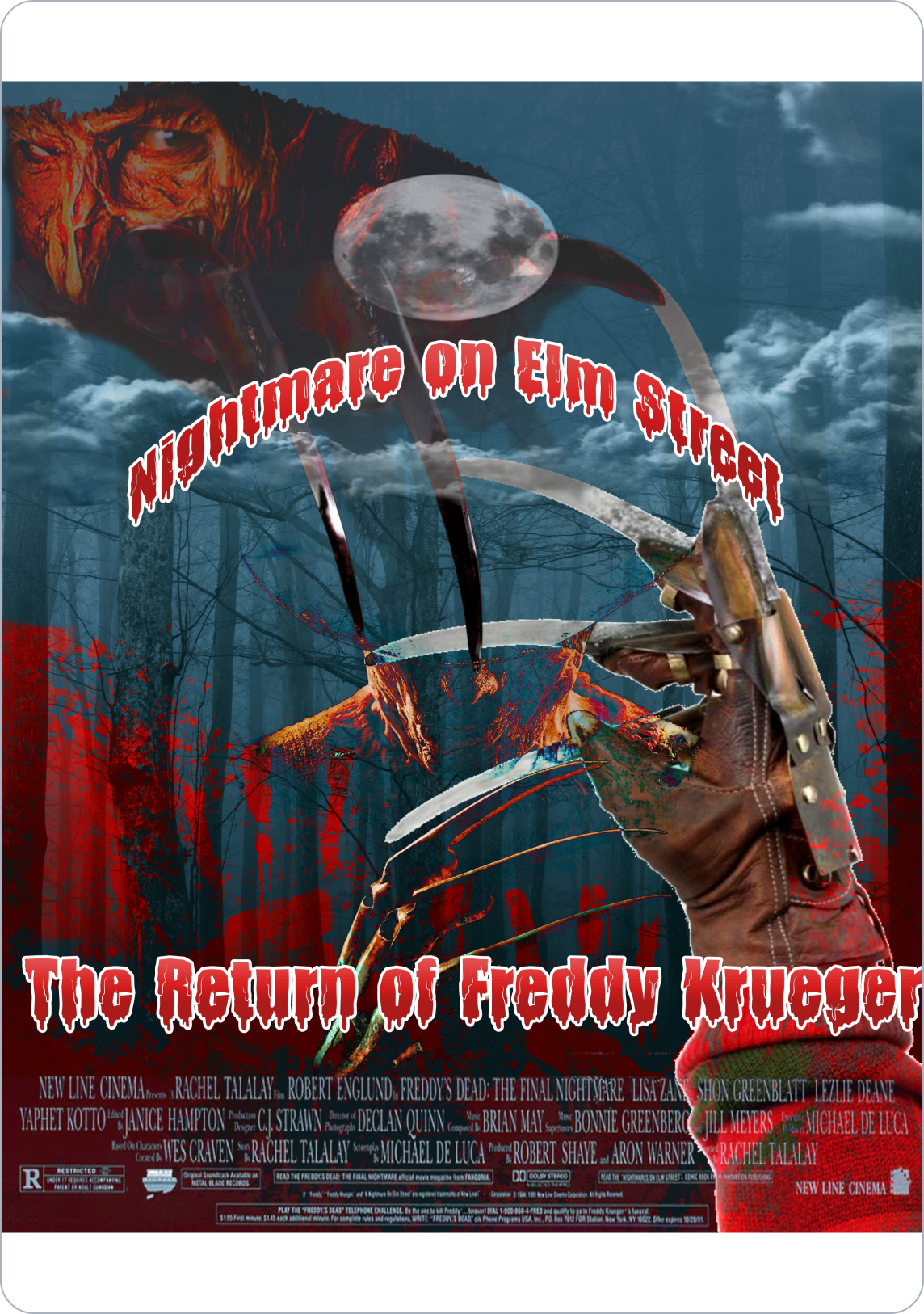
Horror movie poster design
Creative digital artwork
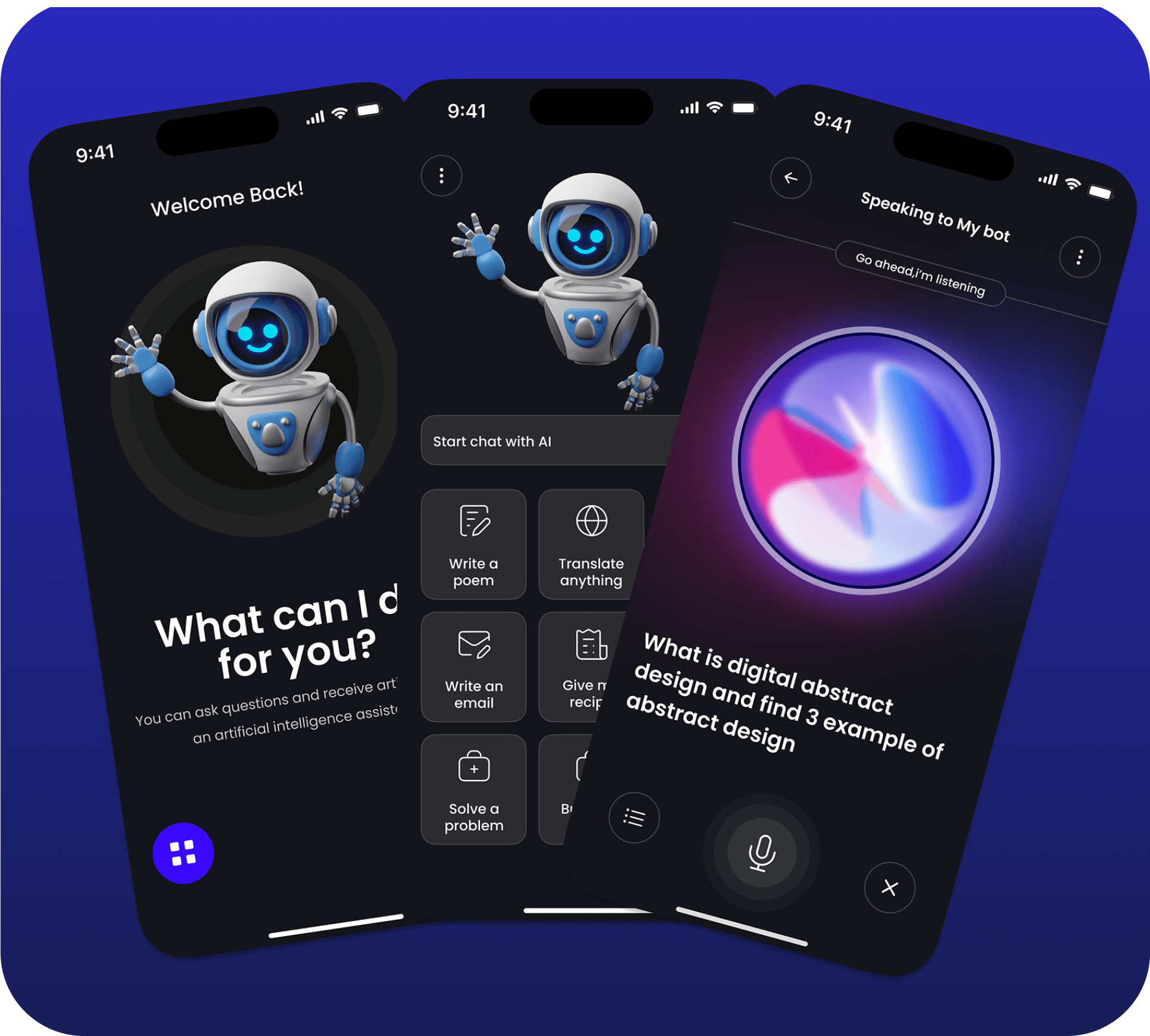
Interface design projects
"Bringing Kirby to life with pure CSS and HTML! This project demonstrates my creativity and technical skills through animated designs and responsive layouts."
"I wanted to recreate Kirby using pure CSS and HTML while focusing on smooth animations and responsive design. The goal was to demonstrate my mastery of front-end development without relying on external frameworks or libraries."
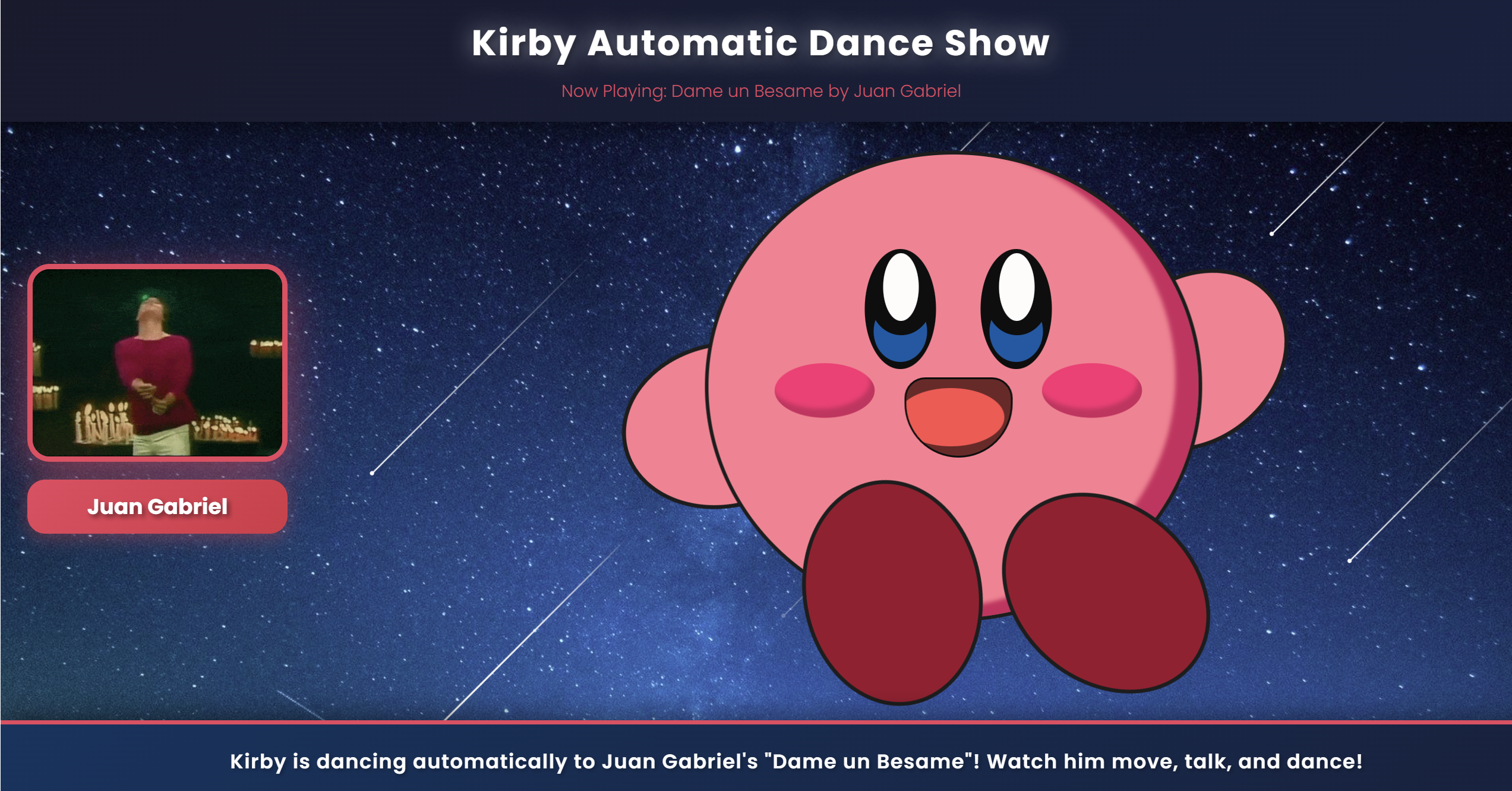
"By combining precise CSS properties like keyframes for animations and box-shadow for depth, I built Kirby's iconic look from scratch. The design is fully responsive, and the background features dynamic animations for an engaging effect."
"The result is a fully animated Kirby figure with expressive details and a lively backdrop. This project showcases my ability to blend creativity with technical skills to create interactive, visually appealing designs."
"Web application that integrates with the Pokemon API to display information about different Pokemon. This project demonstrates my ability to work with external APIs and present data in a user-friendly interface."
"The main challenge was to create a user-friendly interface that could effectively display Pokemon data from an external API. I needed to handle API rate limits, loading states, and error handling while ensuring the application remained responsive and intuitive."
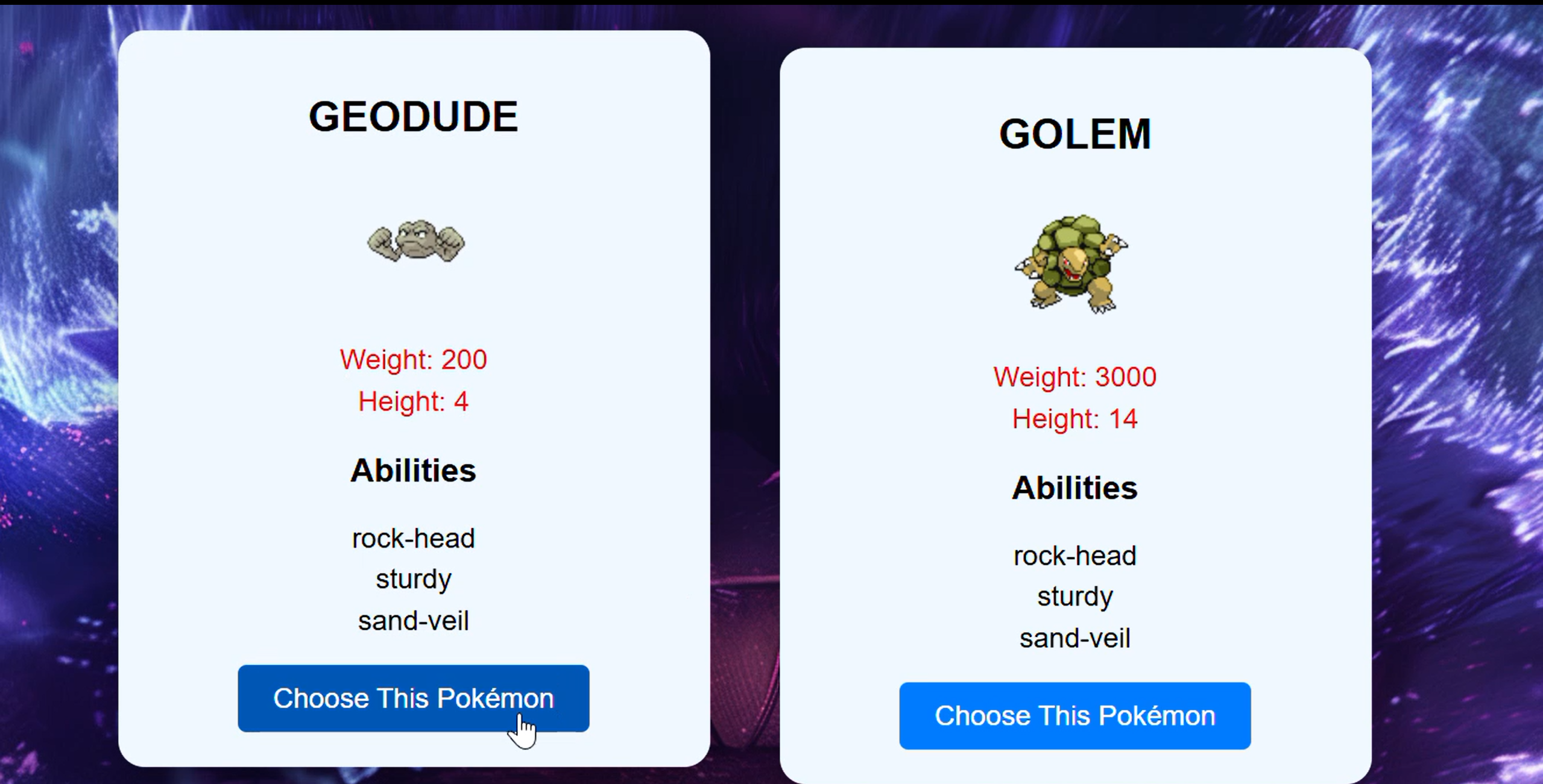
"I implemented asynchronous API calls with proper error handling and loading states. The interface was designed with CSS Grid for responsive layouts, and I used JavaScript to create interactive elements like the Pokemon selection and detailed stat displays."
"The final application allows users to browse and compare different Pokemon with a clean, intuitive interface. This project demonstrates my ability to work with external APIs, handle asynchronous operations, and create responsive web applications."
"Interactive animation demo created with JavaScript and CSS animations. This project showcases my ability to create engaging visual effects and interactive elements using pure front-end technologies."
"The main challenge was to create realistic physics-based animations using only CSS and JavaScript. I needed to simulate gravity, collision detection, and natural movement patterns without relying on external libraries or frameworks."
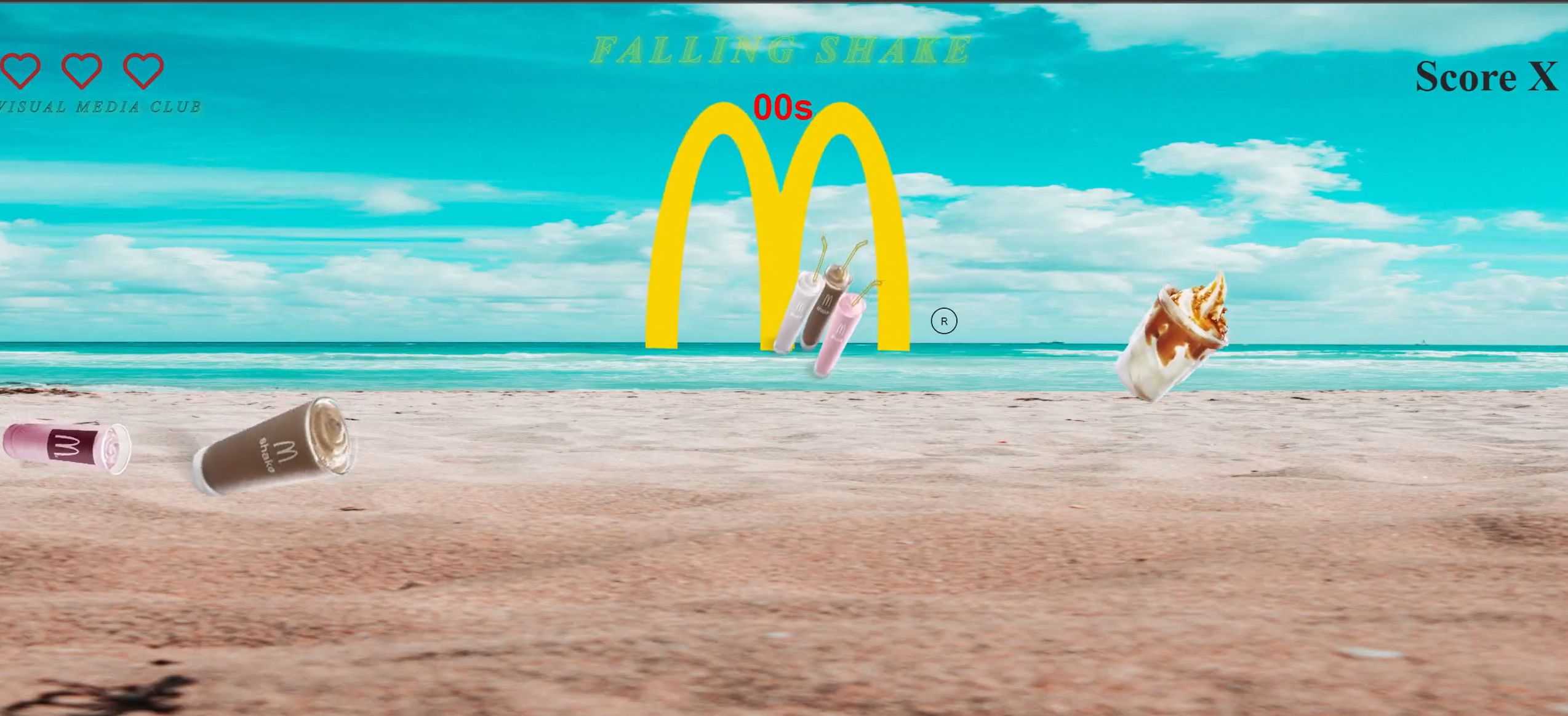
"I implemented custom JavaScript functions to calculate physics-based movements and used CSS animations for smooth visual effects. The project uses requestAnimationFrame for optimal performance and includes responsive design principles to work across different screen sizes."
"The result is an engaging interactive animation that responds to user input and simulates realistic physics. This project demonstrates my ability to create complex animations and interactive experiences using fundamental web technologies."
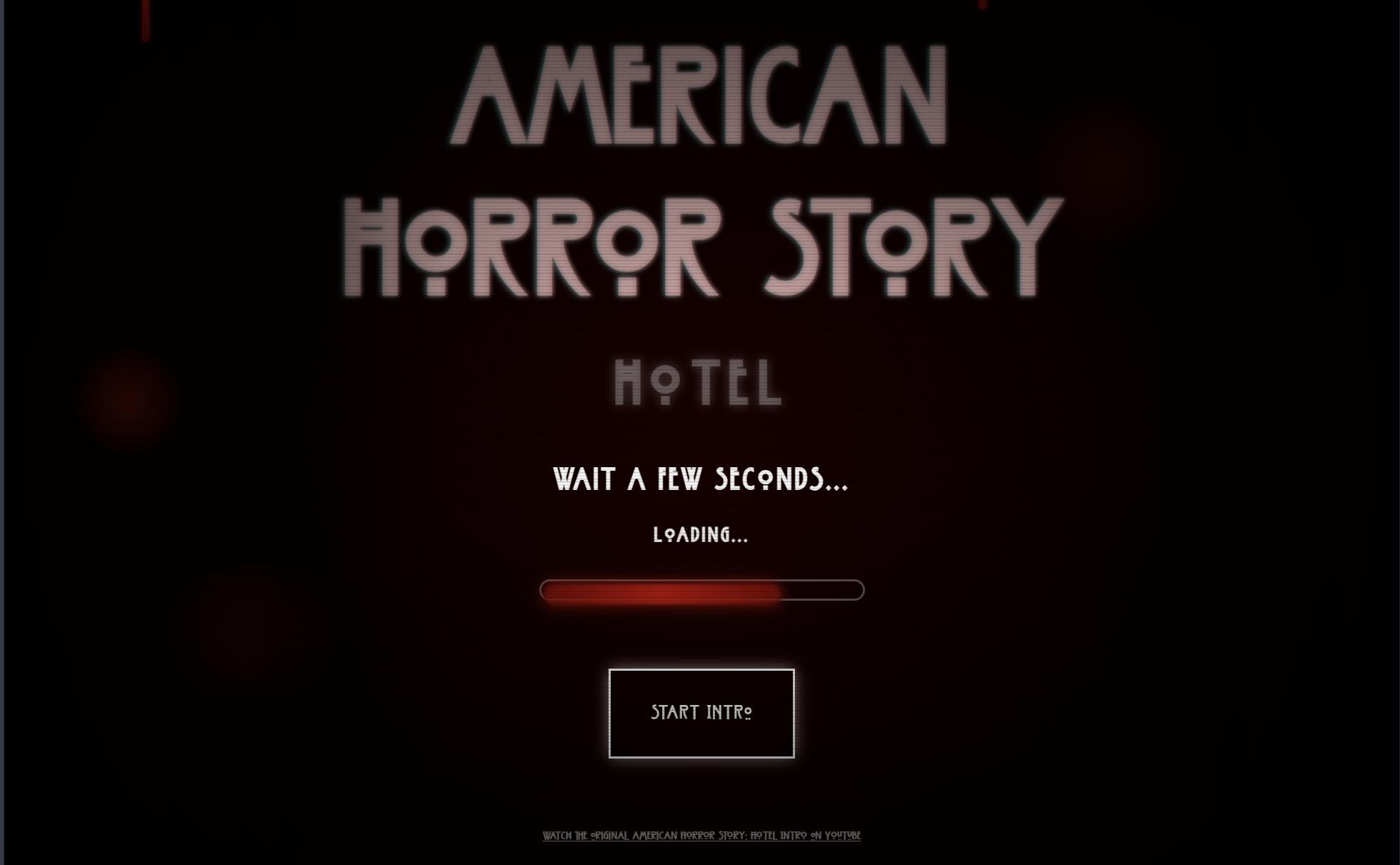
Recreation of the AHS: Hotel intro sequence featuring 70+ horror scenes with CSS animations, blood drip effects, film grain filters, and screen glitch effects. Built entirely from scratch using vanilla HTML, CSS, and JavaScript—no frameworks or libraries.
"The main challenge was recreating the dark, cinematic aesthetic of the original AHS: Hotel intro with over 70 horror scenes. I needed to implement complex CSS animations including flickering effects, blood drips, film grain, scanlines, vignettes, and screen glitches—all synchronized with background music via the Web Audio API. The project requirement was strict: vanilla web technologies only, no frameworks or libraries permitted."
"I built a custom animation system using CSS @keyframes for multiple simultaneous effects—zoom, fade, flicker, and drip animations. I used CSS variables for dynamic theming and created layered visual effects with pseudo-elements for film grain and scanlines. The scene transitions were controlled with JavaScript setInterval() and setTimeout(), while the Web Audio API handled background music playback. I implemented keyboard event listeners for interactive controls (R to reset, Space to start), and used DOM manipulation to toggle CSS classes for different animation states."
"The result is a fully functional horror animation sequence that captures the eerie atmosphere of American Horror Story. The project demonstrates mastery of advanced CSS animation techniques, JavaScript timing control, and Web Audio API integration. With 70+ smoothly transitioning scenes, synchronized audio, and interactive controls, this project showcases my ability to create complex, cinematic web experiences using fundamental web technologies. The organized file structure (separate CSS, JavaScript, images, and audio directories) and clean code demonstrate professional development practices."
"This digital illustration showcases my skills in digital painting and composition. I used various brushes and layering techniques to create depth and visual interest. The project demonstrates my ability to create compelling digital artwork with attention to detail."
"The main challenge was to create a visually striking digital illustration that conveyed emotion and depth. I needed to balance various elements like color, composition, and lighting while maintaining a cohesive overall look."
"I used advanced digital painting techniques in Photoshop, working with multiple layers to build depth and dimension. I focused on creating a strong focal point and used color theory principles to guide the viewer's eye through the composition."
"The final illustration effectively communicates the intended mood and showcases my digital painting skills. This project demonstrates my ability to create compelling visual narratives through digital art techniques and thoughtful composition."
"This UI/UX design project showcases my skills in creating user-friendly interfaces for web and mobile applications. I focused on creating intuitive navigation, clear visual hierarchy, and engaging interactions to enhance the overall user experience."
"The main challenge was to create an intuitive and visually appealing interface that would enhance user experience across different devices. I needed to balance aesthetics with functionality while ensuring the design remained accessible and user-friendly."
"I conducted thorough user research and created detailed wireframes and prototypes. Using Figma, I designed a cohesive interface system with consistent components, clear navigation patterns, and responsive layouts that work seamlessly across devices."
"The final design successfully balances visual appeal with usability, resulting in an interface that users find both attractive and easy to navigate. This project demonstrates my ability to create user-centered designs that solve real-world problems."
"This poster showcases my Photoshop skills in blending layers and creating impactful visuals. I used tools like masks, brushes, and blending modes to bring the design to life. It reflects my ability to turn creative ideas into striking designs."
"I aimed to design a movie poster that captured the essence of horror and suspense, reflecting the chilling theme of 'Nightmare on Elm Street'. The challenge was to combine multiple visual elements while maintaining balance and cohesion to create a visually impactful design."
"Using Photoshop, I carefully blended imagery, enhanced details, and incorporated eerie textures. I applied advanced editing techniques, such as layering and shadow manipulation, to achieve a dark and immersive aesthetic that aligns with the horror genre."
"The final poster effectively captures the unsettling tone of the movie, showcasing my expertise in visual storytelling and Photoshop design. It highlights my ability to transform concepts into compelling visuals that resonate with the intended audience."
This video showcases the process of creating a mini island in Blender, demonstrating various techniques for modeling, texturing, and lighting to achieve the final result.